How to Build Your Own Virtual Calming Room for Stress Relief
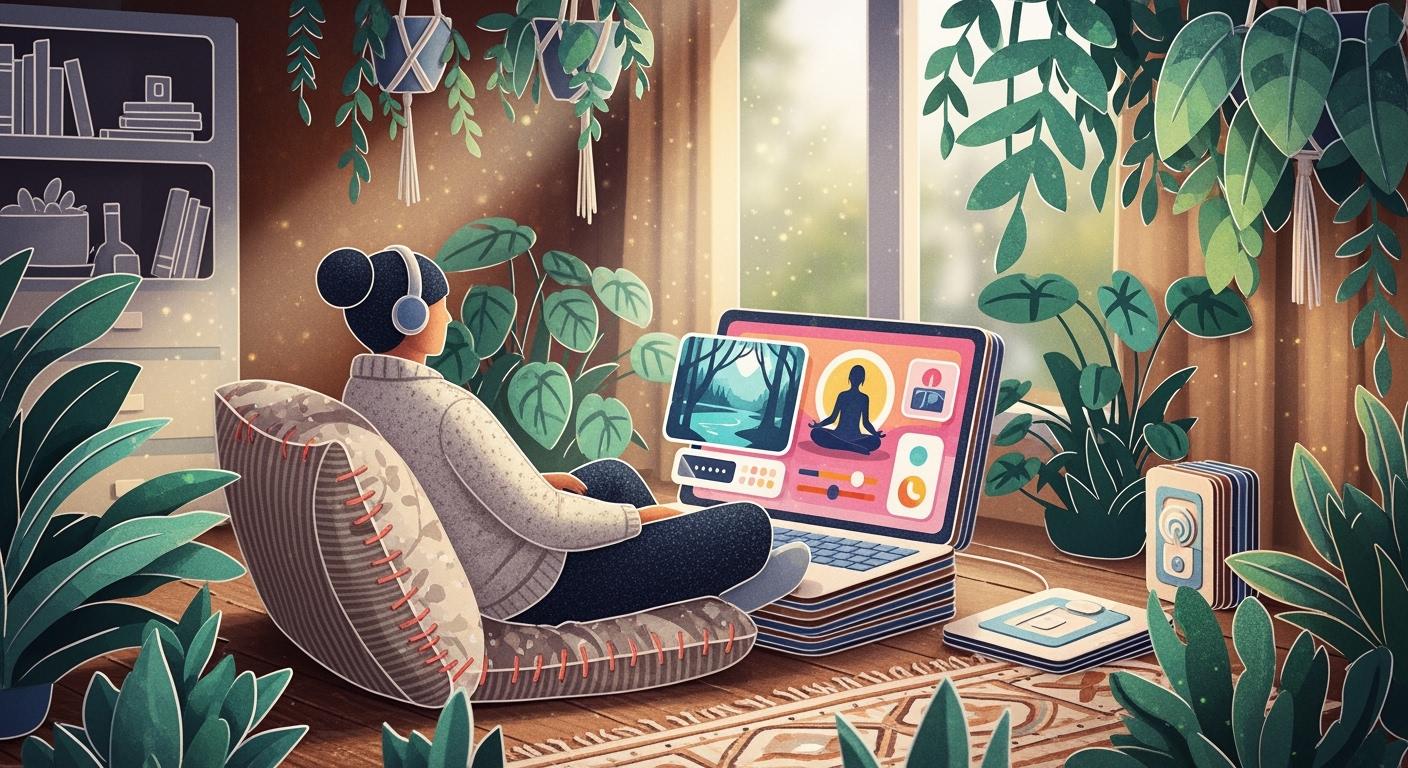
You can make a calm room online. You only need a few Calm Room Supplies. You also need simple steps to follow. Many adults feel stress every day. About 75% have physical or mental symptoms:
Statistic Description | Percentage |
|---|---|
Adults experiencing physical or mental symptoms of stress in the last month | 75% |
U.S. workers experiencing work-related stress | 83% |
Studies show digital calm spaces help you relax. They also help you get more work done. Anyone can make one!
Key Takeaways
Making a virtual calming room can lower stress and boost your mood. You can use it to relax and focus better.
Pick a platform that is easy for you to use. Make sure you can move around easily and see calming pictures.
Add new activities to your calming room often. This makes it interesting and helps you relax even more.
What Is a Virtual Calming Room?

Purpose and Benefits
A virtual calming room is a safe online place. It helps you deal with your feelings. Mental health professionals say these rooms help with emotions. They are useful when life feels hard. You can find tools and resources for support there.
You might ask if these rooms really help. Many people see big changes after using one. Here’s what studies have found:
Outcome Type | Result |
|---|---|
Positive Feelings | |
Mindfulness | Big increase |
Psychological Distress | Very low after use |
Heart Rate | Decreased after meditation |
You can feel happier and less stressed. It may get easier to focus and practice mindfulness. Many people feel calm and want to use the room again.
Tip: Try a calming activity like guided meditation or soft music. You might feel your stress go away.
Who Can Use a Calm Room
You do not need special skills to use a calming room. Anyone can use a virtual calming room. Patients in hospitals have used these rooms and felt better. Some people ask for more time because they like it.
You can use a calming room if you feel worried, stressed, or need a break. Students, teachers, parents, and workers all use these spaces. A few minutes in your calm room can help you feel ready for your day.
How to Create a Virtual Calming Room

Choose Your Platform
You can start your virtual calming room by picking a platform that fits your needs. Many people use Wakelet because it lets you organize links, videos, and calming tools in one spot. Some schools use a Virtual Calming Room template, which is ready-made for students and staff. You might also try Google Sites or Padlet if you want something simple.
When you choose a platform, look for these features:
Easy to use and set up
Clear navigation so you do not get lost
Quick access to calming activities
Works well for your age group and number of users
Safe for everyone who will use it
You want your calming space online to feel welcoming. Pick a platform that lets you add calming colors like pale blue or gray. Soft lighting and gentle sounds help too. If you plan to share your calm room with others, make sure it is easy for them to join. You can add a timer so you know how long you spend relaxing.
Tip: Try your platform as a user first. Make sure you can find everything fast, even when you feel stressed.
Add Calming Activities and Tools
Now you get to fill your virtual calming room with activities that help you relax. Here are some ideas you can try:
Meditation: Listen to guided meditations or practice deep breathing.
Journaling: Write down your thoughts or make a gratitude list.
Listening to music: Play soft music or nature sounds like rain or ocean waves.
Watching calming videos: Enjoy live cams of animals or peaceful places.
Mindfulness exercises: Try short activities that help you focus on the present.
Reading: Escape into a good story or read positive quotes.
Dancing or gentle movement: Move your body to release stress.
Connecting with others: Join a group chat or talk to a friend.
You can use apps like Brain.FM for relaxing music or Headspace for mindfulness. A Soft Murmur lets you mix your favorite ambient sounds. Low-decibel water sounds, like a gentle stream, work best for stress relief. High-decibel sounds can make you feel more awake, so keep them soft.
Note: Start with a meditation before you journal. This helps clear your mind and makes writing easier.
Organize Your Calming Space Online
A well-organized virtual calming room makes it easy to find what you need. You can create a main page with posters or buttons that point to different activities. For example, you might have sections for Breathing, Visual Relaxation, Yoga, and Journaling.
Here is a simple way to organize your calm room:
Section | What You Can Add |
|---|---|
Breathing | Guided breathing videos, timers |
Live Cams | Animal cams, nature scenes |
Visual Relaxation | Soothing images, calming colors |
Yoga | Simple yoga routines, stretching guides |
Journaling | Online journals, gratitude lists |
Music & Sounds | Playlists, ambient sound mixers |
You can also add folders for each section and fill them with links or media. If you want to make your room fun, try adding collectibles or badges for activities you finish. This helps you stay engaged and makes the experience more personal.
Tip: Group activities by how you feel. For example, if you feel anxious, go to Breathing. If you feel tired, try Music & Sounds.
Personalize Your Calm Room
Personalizing your virtual calming room makes it feel like your own special place. You can pick colors that help you relax, like soft blues or grays. Add calming scents if your platform allows it, such as lavender or vanilla. Choose gentle lighting and soothing sounds, like rain or ocean waves.
Here are some ways to personalize your calm room:
Personalization Option | How It Helps You Relax |
|---|---|
Soft lights, calming sounds, gentle textures | |
Lighting Choices | Dim or soft lights for a peaceful mood |
Color Psychology | Blues and grays for calm, greens for balance |
Calming Scents | Lavender or vanilla for relaxation |
Soothing Sounds | Nature sounds or soft music |
You can also change the layout to fit your needs. If you like journaling, put your journal tools on the main page. If you enjoy meditation, add a big button for guided sessions. Customization lets you pick what works best for you. Studies show that when you personalize your calming space, you feel more relaxed and happy.
If you share your calm room with others, think about their needs too. For example, students might like quick games or group mindfulness. Families may want activities they can do together. Staff might need quiet spaces for breaks. You can make different sections for each group or let users choose their own path.
Note: The more you make your virtual calming room your own, the more you will want to use it. Try new things and see what helps you feel calm.
Keep Your Calm Room Effective
Update Activities Regularly
You want your virtual calming room to stay fresh and helpful. Try adding new calming activities every week or month. You might swap out music playlists, add new guided meditations, or bring in different nature videos. Research shows that changing up your calming activities helps your mind relax and keeps you interested. If you use the same things all the time, your brain gets used to them, and they may not work as well.
Tip: Ask friends or family what helps them relax. You can add their ideas to your calm room.
You can also use feedback from others. People like to feel heard and supported. If you share your virtual calming room, let users suggest new activities or tools. This makes everyone feel included and keeps your space engaging.
Adjust for Your Needs
Your needs change over time, so your calming space should change too. Personalize your virtual calming room to fit your mood or stress level. You can move things around, add new sections, or try creative tools like Canva for fun designs. Platforms like Wakelet make it easy to update your room whenever you want.
Try adding body awareness or breathing exercises if you feel anxious.
Use Window Swap for a calming view from another part of the world.
Change colors or sounds to match your mood.
You can measure how well your calm room works by checking how you feel before and after using it. Here are some ways to track your progress:
Metric Type | Description |
|---|---|
Self-reported well-being | Rate your mood before and after each session |
Physiological markers | Notice your heart rate or breathing |
Mood check-ins | Write down your feelings in a journal |
A virtual calming room gives you flexibility and support wherever you are. You can use it at home, school, or work. Make it your own, and let it grow with you.
You can build your own virtual calming room in just a few steps:
Pick a platform.
Choose your theme.
Add visuals and sounds.
Make it personal.
A calm room helps you feel better and connect with others. Want to share your calm room story? Your ideas inspire others!
Benefit Type | Description |
|---|---|
Mood Improvement | Feel happier and more relaxed |
Emotional Regulation | Handle emotions with more confidence |
FAQ
How much time should you spend in your virtual calming room?
You can start with 5–10 minutes. If you feel better, you can stay longer. Listen to your body.
Can you use your calming room on your phone?
Yes! Most platforms work on phones and tablets. You can relax anywhere—at home, school, or work.
What if you do not feel calm right away?
Try a different activity.
Take slow breaths.
Give yourself time.
You might need to practice a few times before you notice a change.
See Also
Designing A Soothing Multi Sensory Room: Essential Tips
Creating A Tranquil Environment Using Sensory Room Lighting
Essential Sensory Toys That Help Alleviate Anxiety And Stress
Proven Techniques To Utilize Sensory Toys For Child Calmness
